Back to apps

cloky

A native time review app for turning tracked work into clean Jira worklogs.

Platforms
macOS, iOS
Status
Shipping
Category
Productivity

product screens

macOS

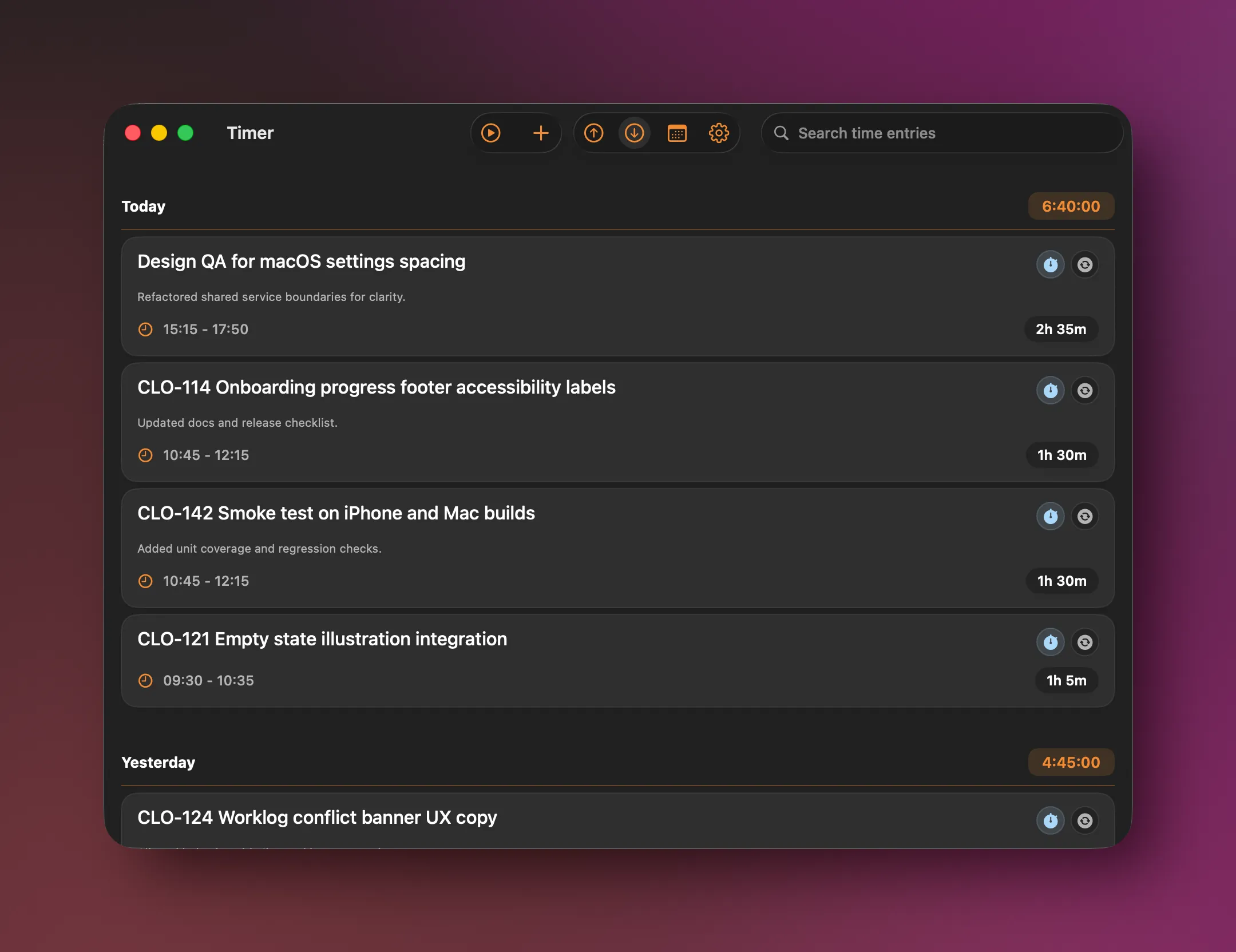
cloky macOS main timer screen with a running work session.
macOS main timer
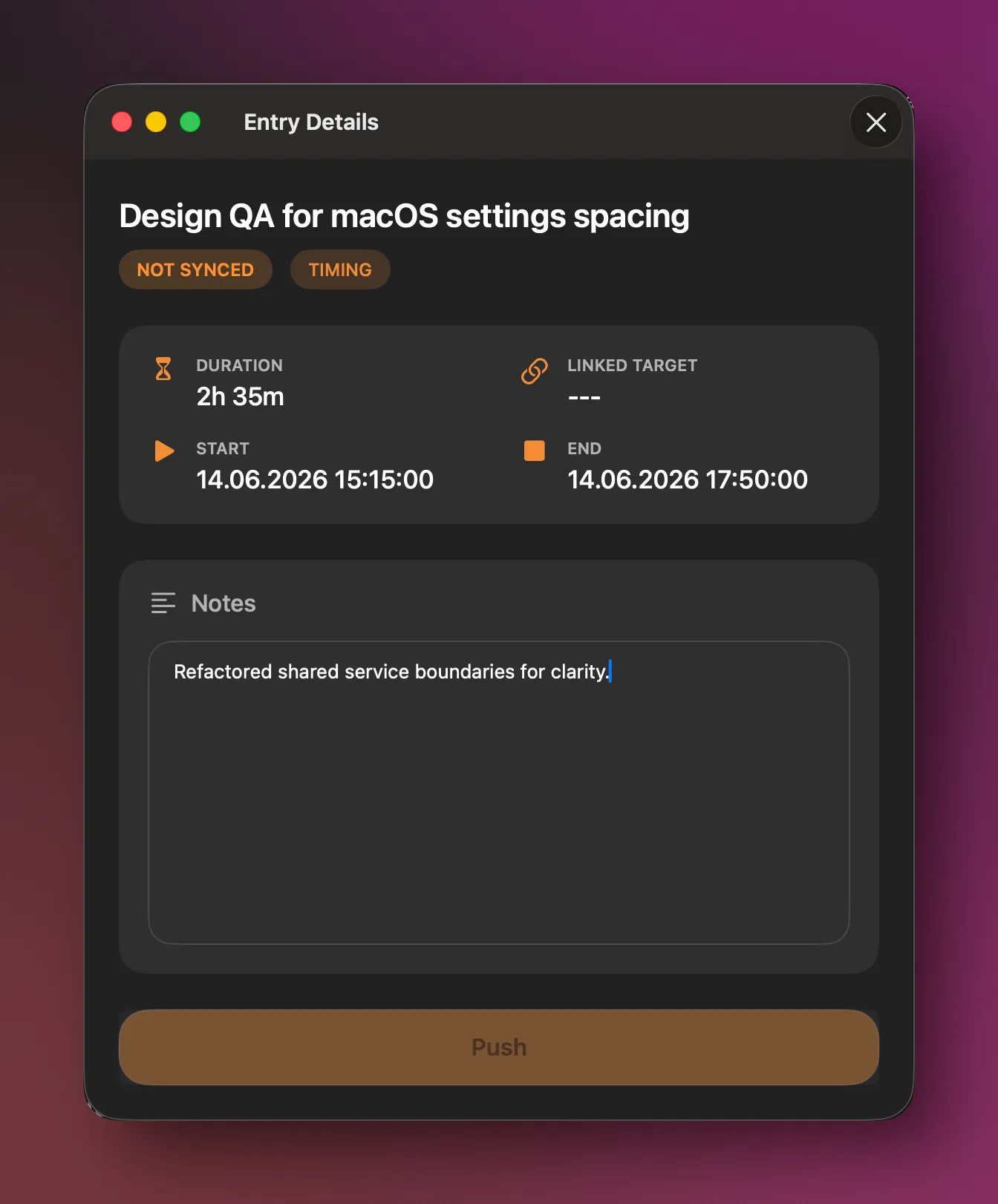
cloky macOS entry detail screen for reviewing a tracked worklog.
macOS entry detail
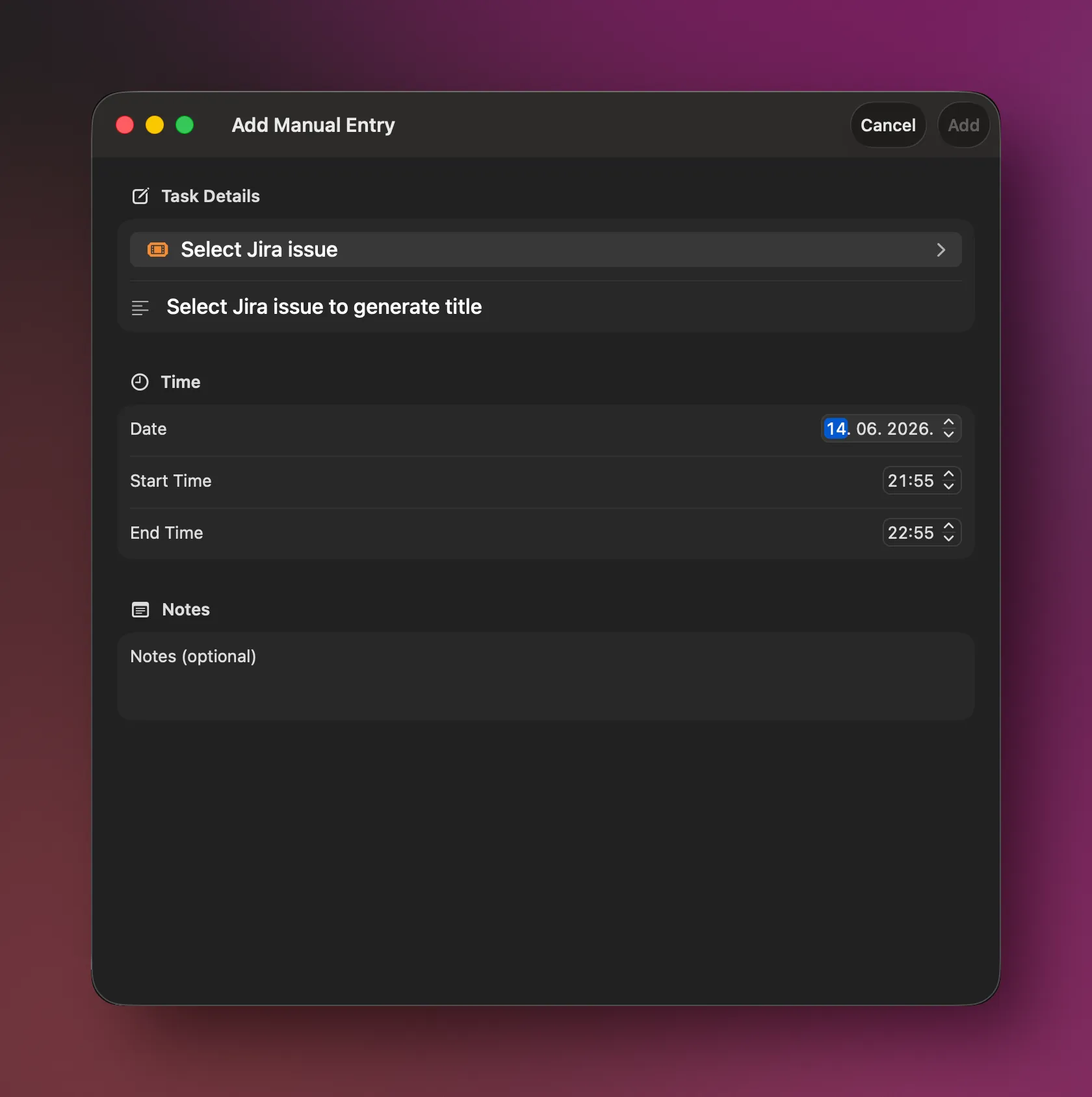
cloky macOS manual entry screen for adding worklog details.
macOS manual entry
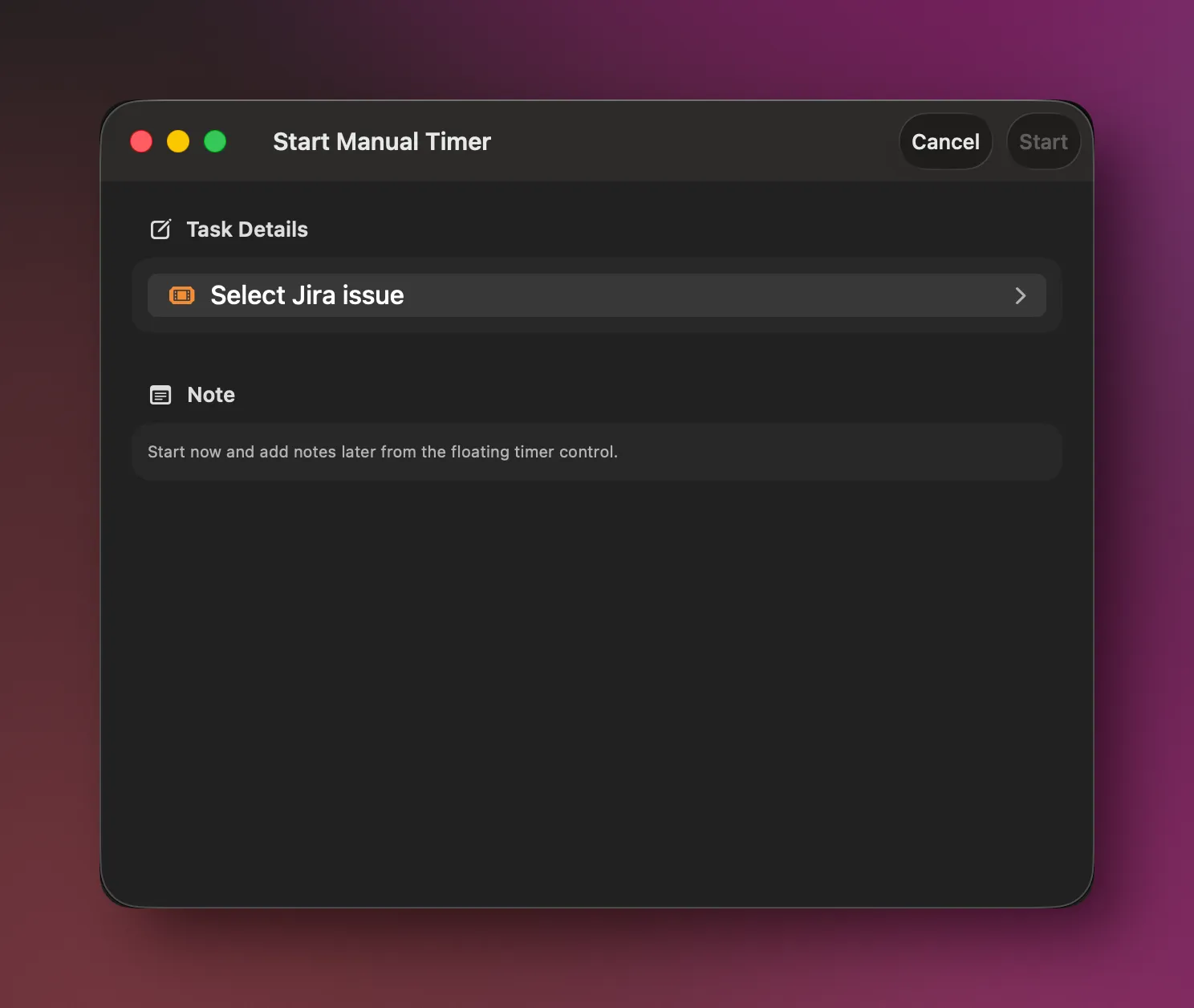
cloky macOS start manual timer screen with project and issue fields.
macOS manual timer
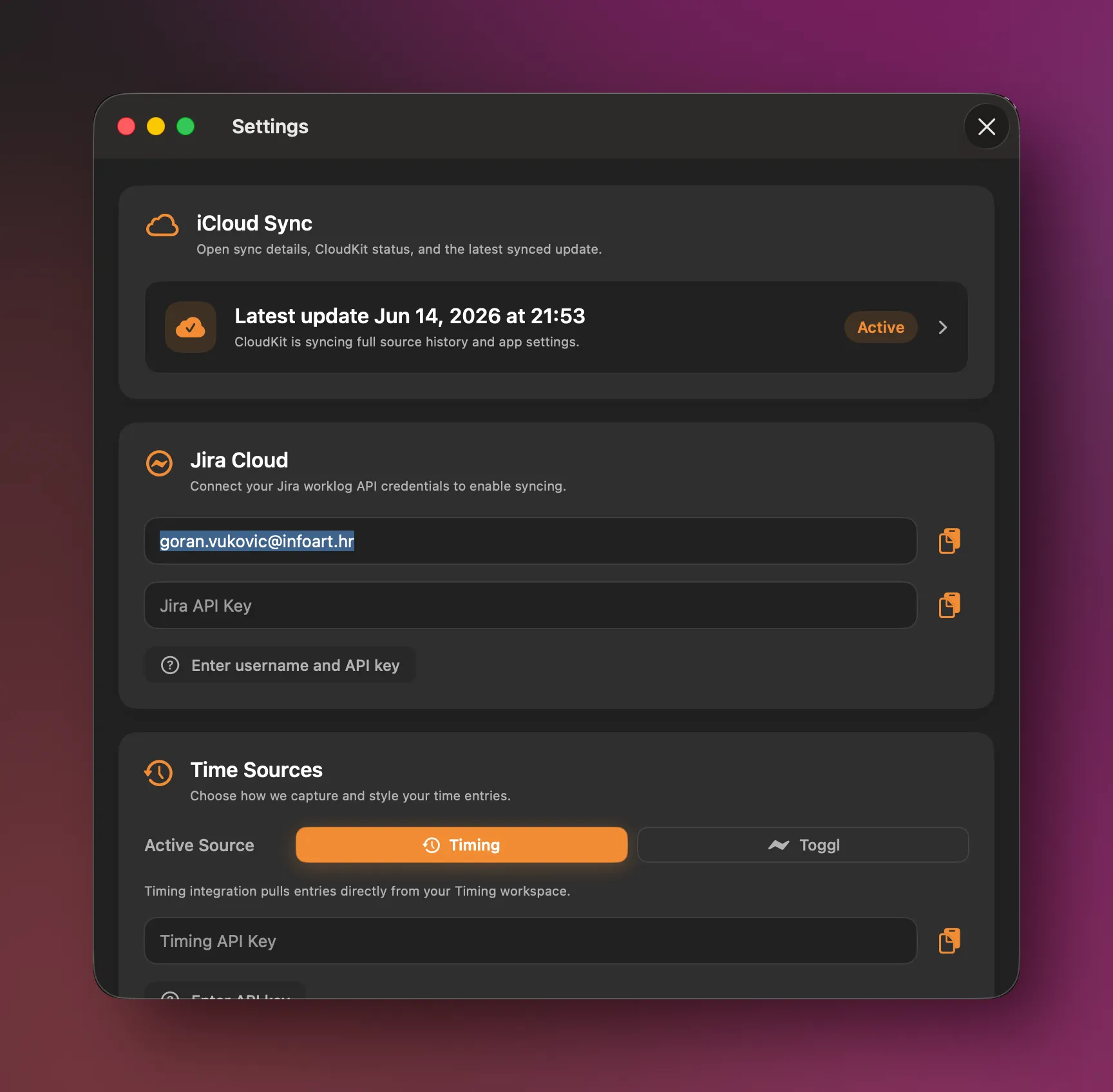
cloky macOS settings screen for configuring time tracking and sync behavior.
macOS settings
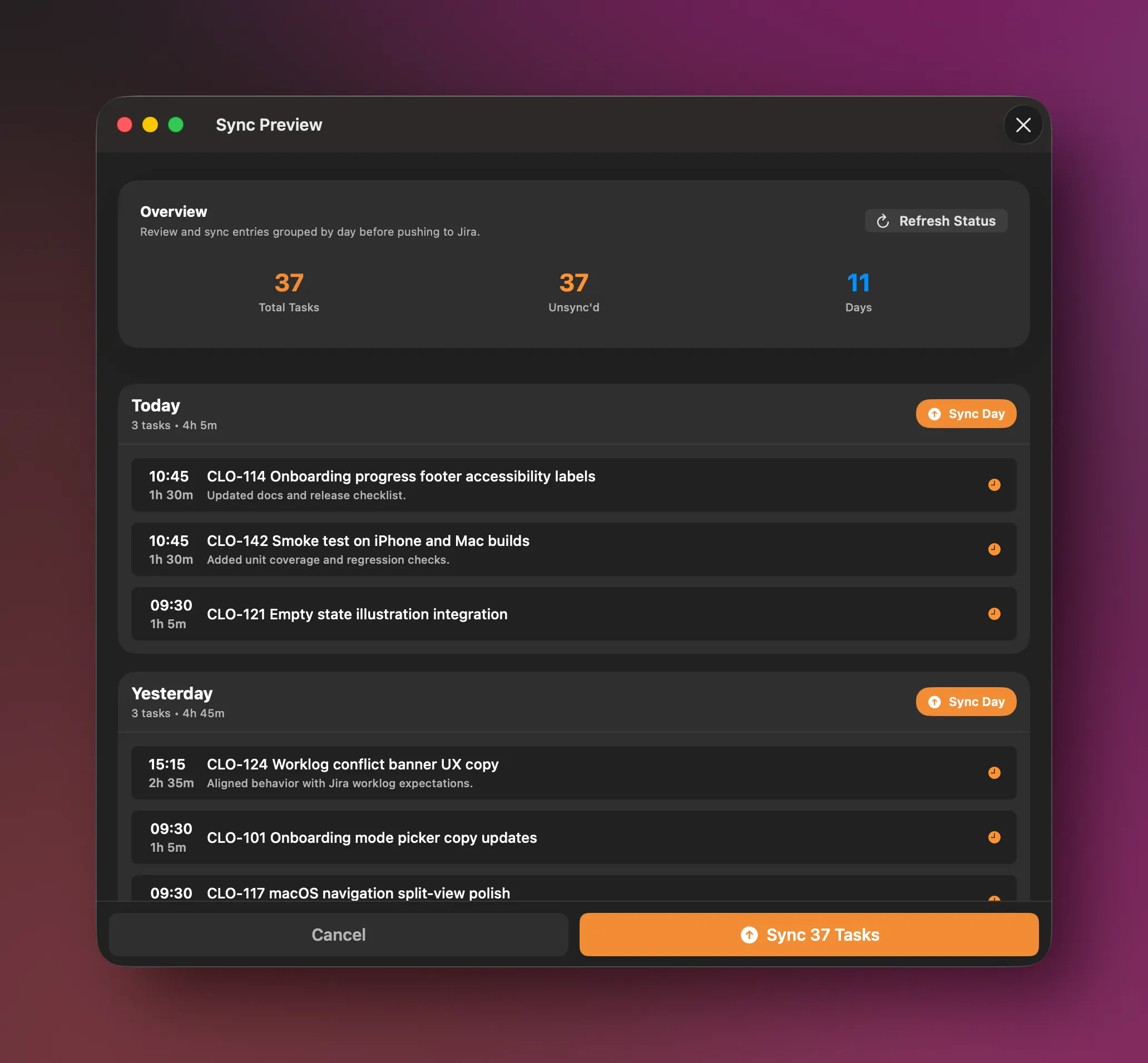
cloky macOS sync preview showing grouped worklog entries before Jira sync.
macOS sync preview
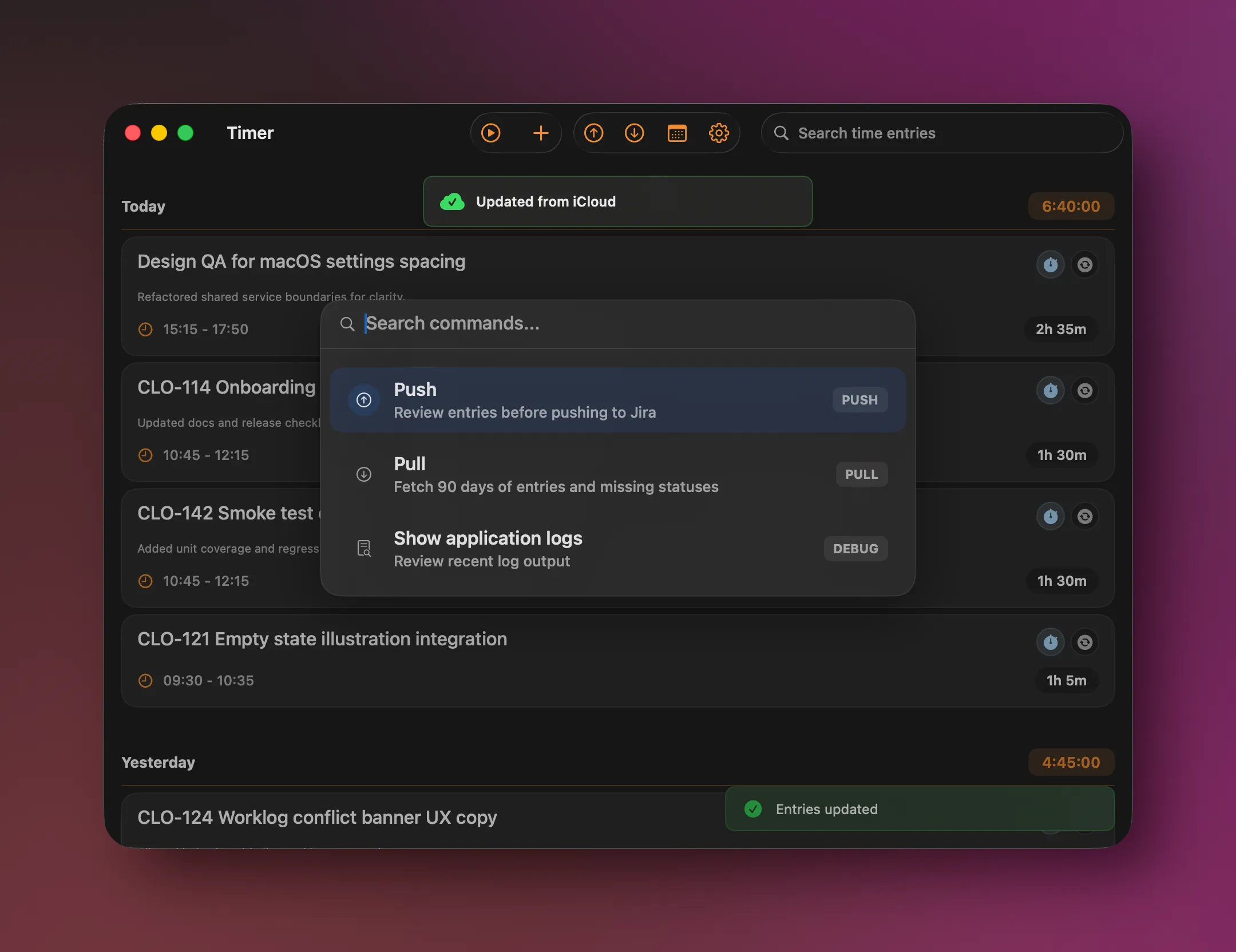
cloky macOS command palette for quickly opening app actions.
macOS command palette

iOS

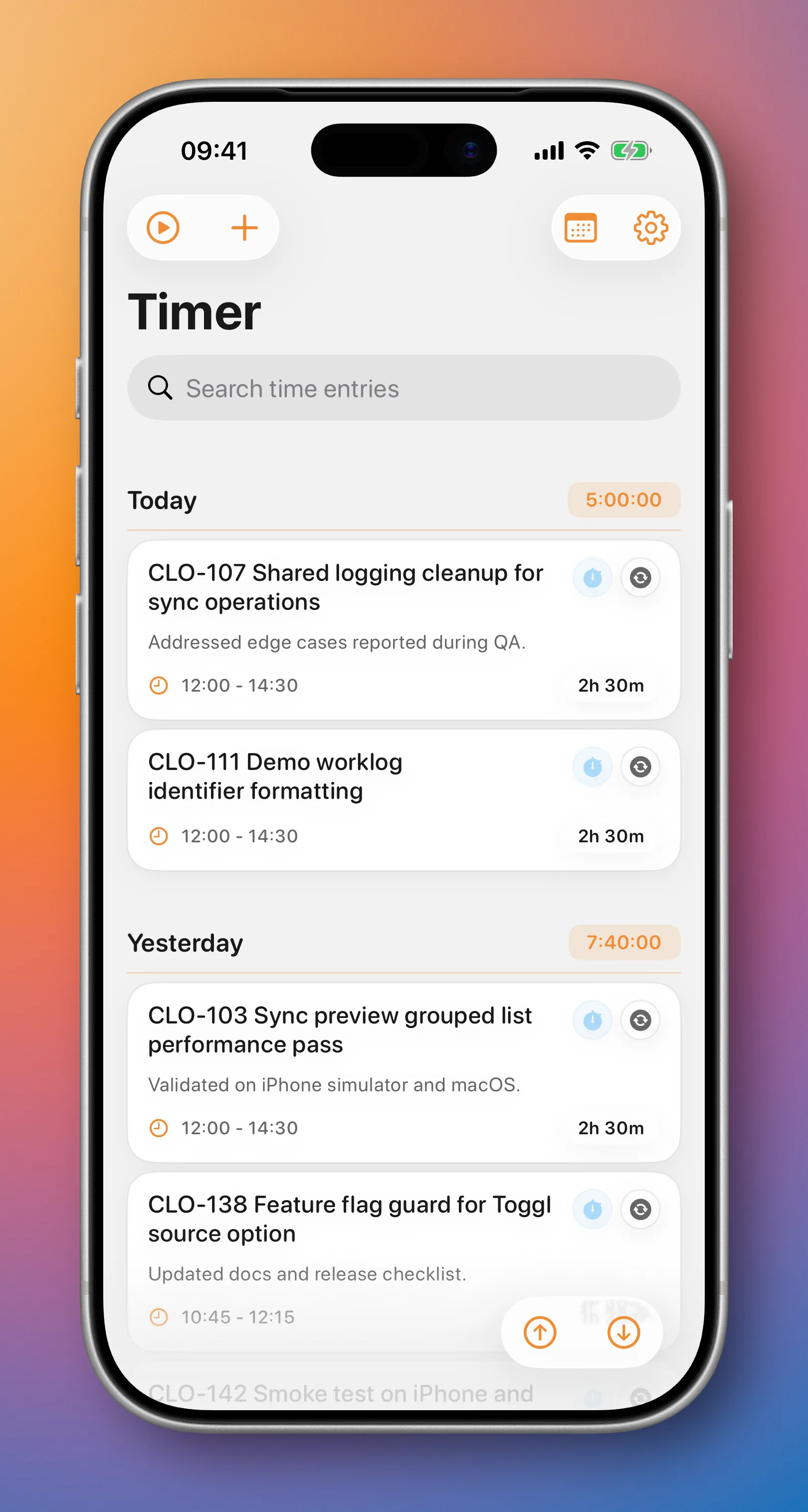
cloky iOS main timer screen with a running work session.
iOS main timer
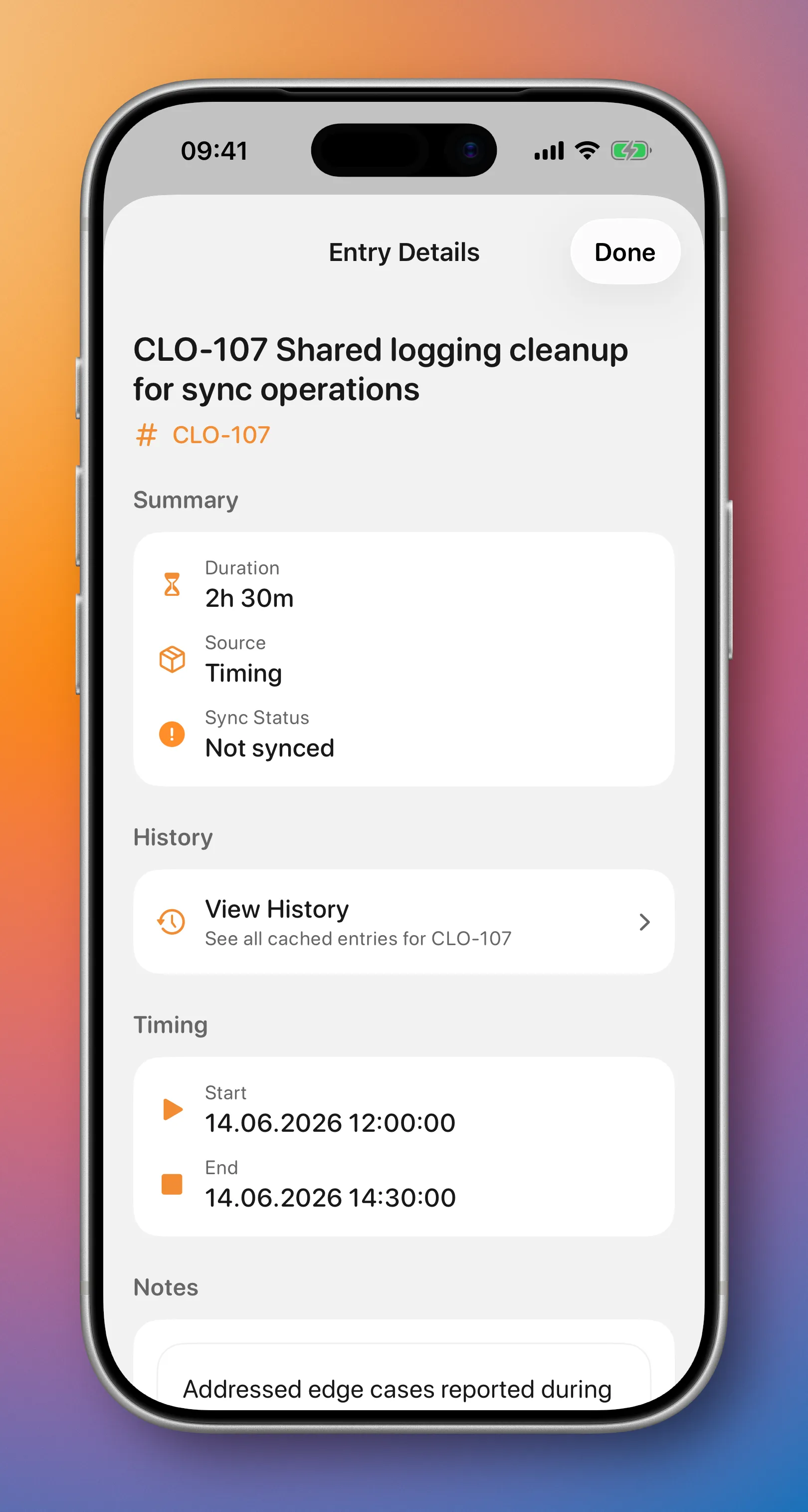
cloky iOS entry detail screen for reviewing a tracked worklog.
iOS entry detail
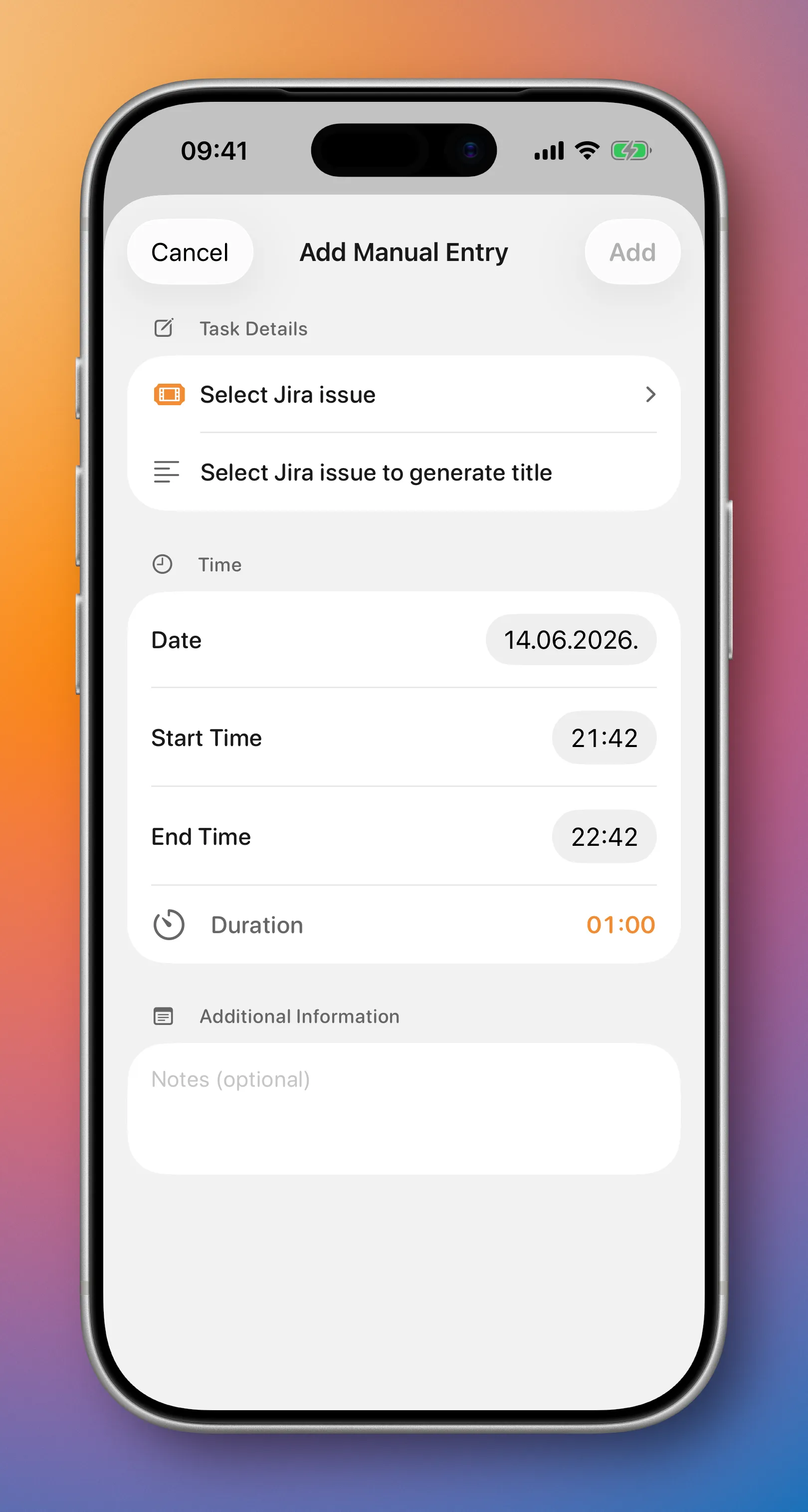
cloky iOS manual entry screen for adding worklog details.
iOS manual entry
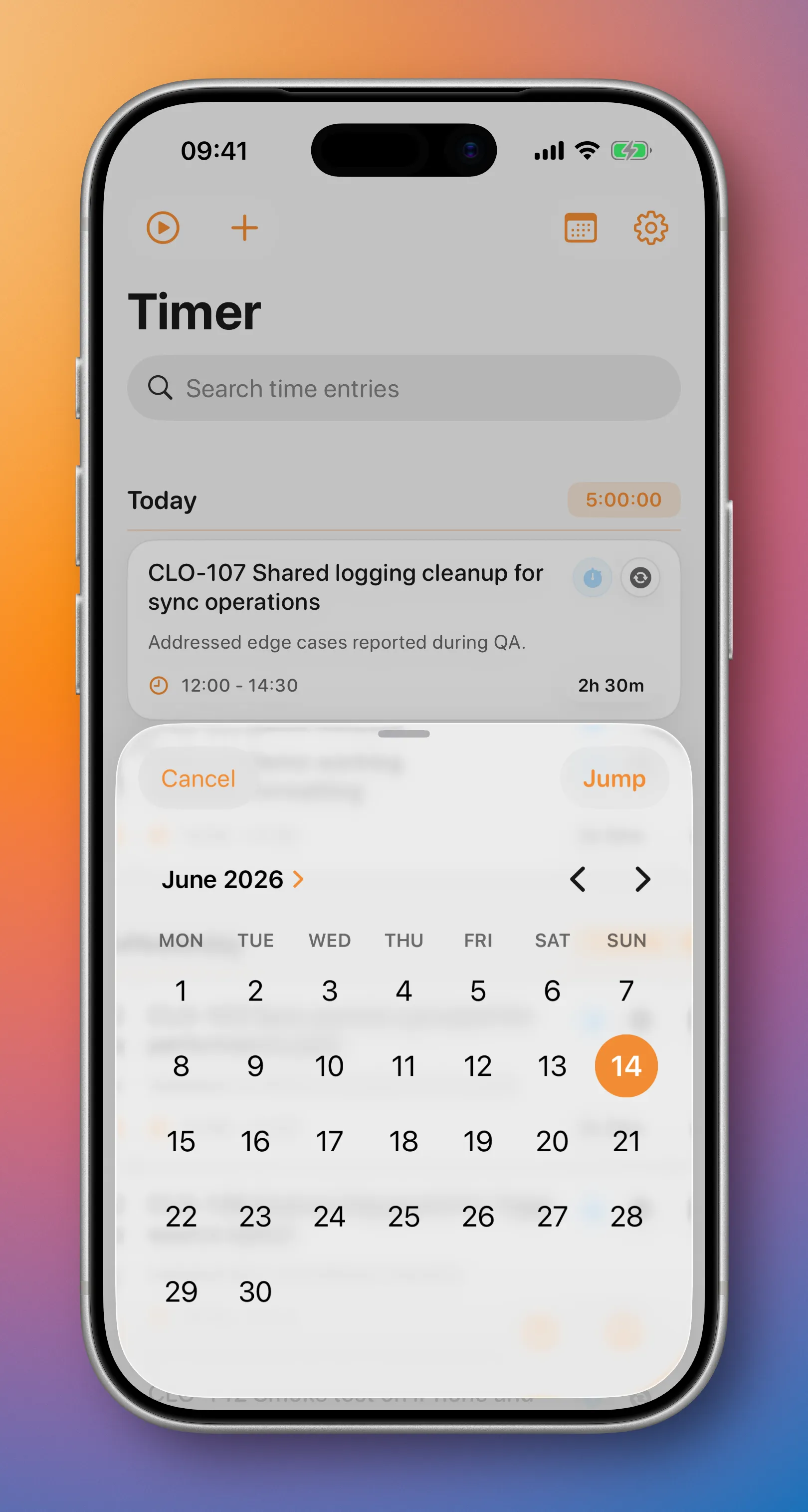
cloky iOS date picker screen for choosing the worklog date.
iOS date picker
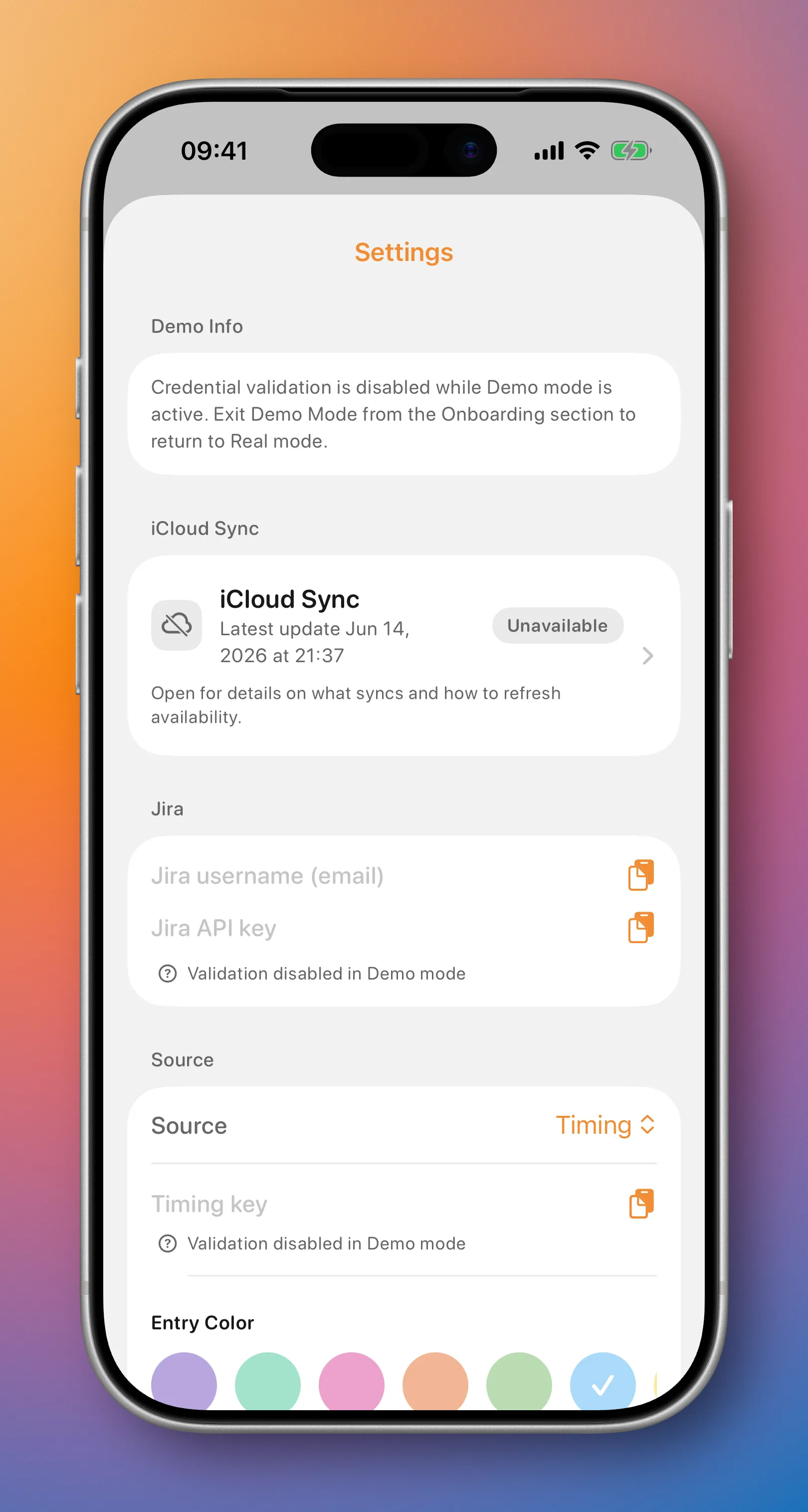
cloky iOS settings screen for configuring time tracking and sync behavior.
iOS settings
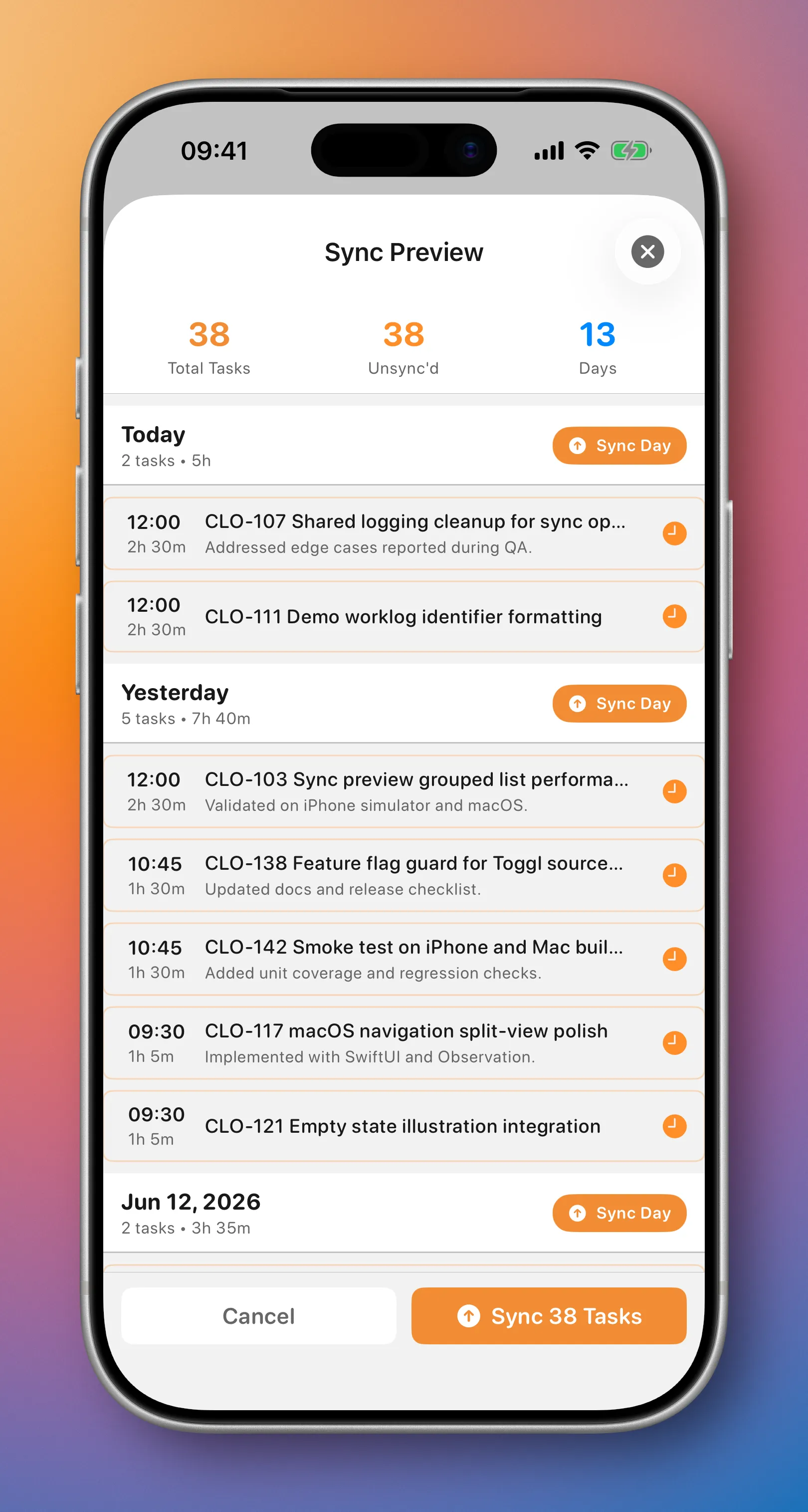
cloky iOS sync preview showing tracked time grouped for review.
iOS sync preview

what it does

  • Pulls entries from Timing and Toggl, detects uppercase Jira issue keys automatically, or lets you add work manually.
  • Lets you review daily and weekly entries and edit the notes sent to Jira as worklog comments.
  • Syncs pending entries in bulk, updates linked worklogs, and checks Jira for existing matches to help prevent duplicates.

notes

Cloky is a native iOS and macOS app for developers who track time during the day and need to log that work in Jira.

The app started from a common end-of-day problem: the work is done, the time was tracked somewhere, but Jira still needs clean worklogs. That usually means switching tools, copying notes, checking issue keys, and rebuilding the day from memory. Cloky keeps that step small.

Cloky connects to Timing or Toggl and also supports manual entries, then shows tracked work in a clear daily or weekly view. Developers can review titles, notes, projects, durations, Jira keys, and sync status before pushing worklogs to Jira Cloud. Entries can be filtered, searched, checked for existing Jira worklogs, and pushed only when they are ready.

On macOS, Cloky fits into a desktop workflow with a native SwiftUI window, toolbar actions, search, filters, manual timers, and a command palette for quick pull and push actions. On iOS, the same workflow is available on the go, with list and week views designed for reviewing recent work from a phone.

Cloky is not trying to replace a developer’s existing time tracker. It works as a bridge between the tools many teams already use. A developer can keep tracking time in Timing or Toggl, add manual entries when needed, and use Cloky to turn that tracked work into Jira worklogs with less cleanup.

For teams that care about accurate Jira time tracking, Cloky reduces the repetitive part of the process. It helps developers review their work while the context is still fresh, avoid duplicate logging, and spend less time at the end of the day reconstructing what happened.

How entries sync to Jira

Cloky turns time entries from Timing or Toggl into Jira Cloud worklogs. An entry must contain a Jira issue key before it can be synced.

How the Jira issue key is found

  • For Timing, Cloky looks in the entry title.
  • For Toggl, Cloky looks in the entry description.
  • Cloky uses the first uppercase key in the form PROJECT-123.
  • The key must contain uppercase letters, a hyphen, and a number. For example, CLO-42 matches, while clo-42 does not.
  • If Cloky cannot find a key, the entry stays unsynced and is skipped by bulk sync actions.

If a title or description contains more than one Jira key, only the first one is used.

What is added to the Jira worklog

For every eligible entry, Cloky sends:

  • Issue: the Jira key found in the title or description.
  • Started: the start date and time of the source entry.
  • Time spent: the entry duration, sent to Jira in seconds.
  • Comment: the entry notes, when notes are available.

The source title or description identifies the issue, but it is not copied into the worklog comment automatically.

How notes become comments

  • Timing notes become the Jira worklog comment.
  • Toggl tags become the comment, joined with commas. For example, the tags development and review become development, review.
  • An entry with no notes or tags creates a worklog without a comment.
  • You can edit Notes in Cloky’s entry details before pushing an entry. The edited notes are saved in Cloky and are used as the Jira comment.
  • For a worklog that Cloky has already synced, use Update Worklog after changing its notes. Clearing the notes and updating clears the Jira worklog comment too.

New worklogs and updates

An unsynced entry creates a new Jira worklog. After a successful sync, Cloky stores the Jira worklog ID with the entry. Later syncs can use that ID to update the same worklog instead of creating another one.

Day, week, and sync-all actions only send unsynced entries that have a Jira key. If one entry fails during Sync All, Cloky continues with the remaining entries.

How Cloky recognizes existing worklogs

When Cloky refreshes sync status, it compares entries with worklogs on the matching Jira issue. A worklog is treated as the same entry when:

  • its start date and time match to the same minute, and
  • its duration in seconds exactly matches the source duration.

If no matching worklog is found, the entry is shown as unsynced. Changing a worklog’s start time or duration directly in Jira can therefore make it stop matching the source entry in Cloky.

Before syncing

Check that the Jira site URL, Jira account email, Jira API token, and selected source credentials are configured in Settings. Also make sure the issue key is uppercase and that your Jira account has permission to add worklogs to the issue.

changelog

2026.07.4

What's New

  • Redesigned manual entry: inline Jira search, recent issues with status, and quick duration chips (15m–2h)
  • Faster Jira issue search with smarter matching, caching, and open-issue suggestions
  • Jira status shown on search results and Recent suggestions
  • In-app Help guide for how Timing/Toggl entries become Jira worklogs
  • Credential setup guides for Timing, Toggl, and Jira in onboarding and Settings

Improvements & Fixes

  • Fixed app hangs from clipboard paste, launch duplicate repair, and background sync spinners
  • More reliable sync spinner animation and analytics for completed operations
  • Hardened TelemetryDeck product analytics (no keys, emails, or issue titles)
  • Build/CI reliability: Xcode Cloud shared tests, Sentry symbol uploads, release build numbers from CI

2026.07.2

What's New

  • TelemetryDeck analytics (privacy-friendly product usage signals)
  • Jira status shown on selected issues in manual entry

Improvements & Fixes

  • Jira search uses contains matching for keys and summaries
  • Service configuration logged once at launch
  • TelemetryDeck debug diagnostics on macOS